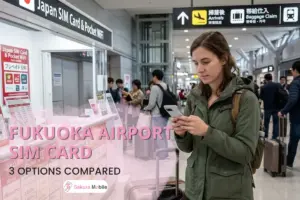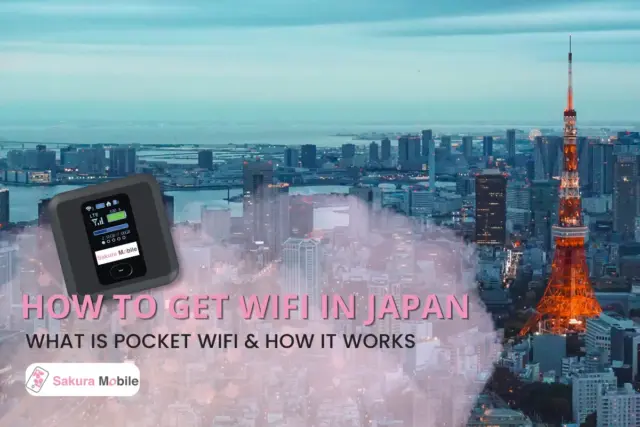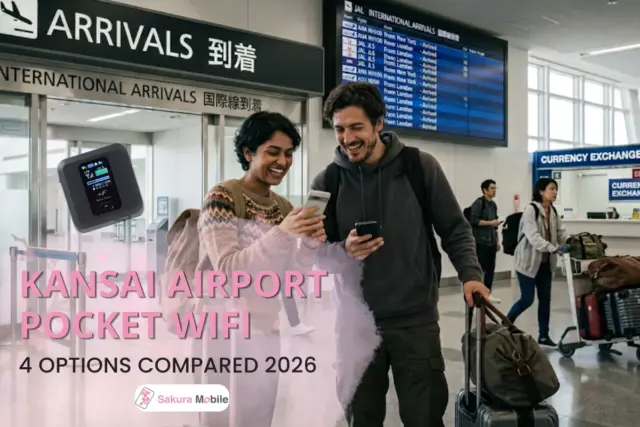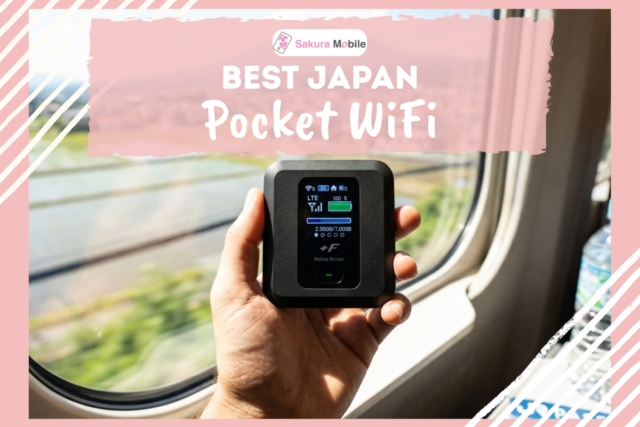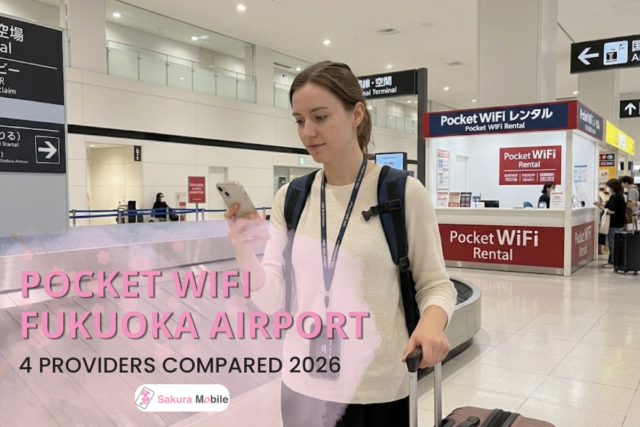
Your flight just landed. You step off, phone in hand, ready to find your subway platform, confirm your hotel address, or let someone back home know you made it. Then you realize: nothing is loading. No maps. No translation app. No way to message anyone.
Fukuoka Airport does offer free WiFi, but it only reaches as far as the terminal walls. Step outside toward the subway or taxi stand, and that connection is gone—right at the moment you need it most.
At Sakura Mobile, we've spent years helping travelers solve exactly this problem across Japan, so we compared every staffed Pocket WiFi counter at Fukuoka Airport to see which ones actually hold up once you leave the building. Here's what we found, provider by provider, so you can pick the right one before you even board your flight.
TL;DR
- Most well-rounded: Sakura Mobile—20 hours of battery, 10 GB/day of guaranteed high-speed data, and daily English support.
- Lowest price: Imoto no WiFi, around 550 yen/day.
- Best for exploring beyond the city: Sakura Mobile, thanks to wider network reach in areas like Dazaifu and rural Kyushu.
- Every provider below let you book online ahead of time and pick up at the airport.
- TL;DR
- Is Fukuoka Airport WiFi Free?
- Fukuoka Airport Has Two Terminals—Here's Why It Matters
- Which Pocket WiFi Fits You?
- How We Compared These Providers
- 4 Pocket WiFi Providers at Fukuoka Airport, Compared
- Pocket WiFi, SIM, or eSIM at Fukuoka Airport
- Pickup & Return at FUK
- Long-Term Stays
- Final Word: Fukuoka Airport Pocket WiFi
- FAQ
Is Fukuoka Airport WiFi Free?
Fukuoka Airport does provide free WiFi in both terminal buildings, so yes—you can get online right after landing. Two things to know before you rely on it, though.
It stops working the second you step outside. And because it's shared by everyone in the terminal at once, it tends to slow down during busy arrival windows—exactly when you're trying to pull up a map or confirm your hotel address.
That gap is the whole reason rental counters exist at the airport in the first place. A Pocket WiFi device (or a SIM/eSIM) picks up where the free network leaves off.
Fukuoka Airport Has Two Terminals—Here's Why It Matters
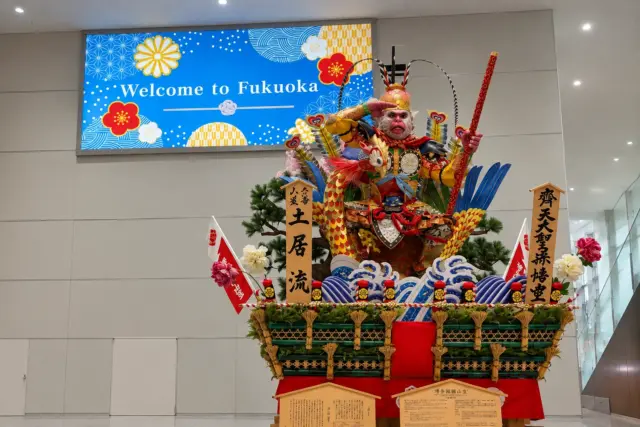
Here's something that trips up a lot of travelers: Fukuoka Airport isn't one building. It's split into a domestic terminal and an international terminal, and every Pocket WiFi rental counter is located on the international side only.
That means if you're arriving on a domestic flight—from Tokyo, Osaka, or anywhere in Japan—the rental counters aren't where you land. You'll need to hop on the free shuttle bus over to the international terminal first. It's a quick ride, but plan for it if you're working with a tight connection.
Flying in from abroad? You're already in the right place, and all four counters sit close enough together to compare in person if you didn't book in advance.
For more on getting through the airport itself—customs, transport into the city, and other facilities—check out our full Fukuoka Airport Guide.
Which Pocket WiFi Fits You?
On a budget? Imoto no WiFi runs the lowest daily rate on this list, around 550 yen/day.
Traveling with family or a group? Sakura Mobile holds up well over a long day out—the battery lasts, so you're not stopping to find an outlet, and one unit can cover several people's devices.
Heading out of the city for the day? If Dazaifu, Yufuin, or other spots outside Fukuoka are on your itinerary, coverage matters more than price at this point. Devices on the docomo network tend to hold a signal further into the countryside. Our guide to Pocket WiFi in Japan goes deeper into this.
How We Compared These Providers
As a company that's helped travelers stay connected across Japan for over 10 years, we know the difference between a plan that sounds good on paper and one that actually works once you're standing at a train platform with no signal. This list only includes providers with a staffed counter inside the international terminal at Fukuoka Airport—delivery-only services aren't part of this comparison.
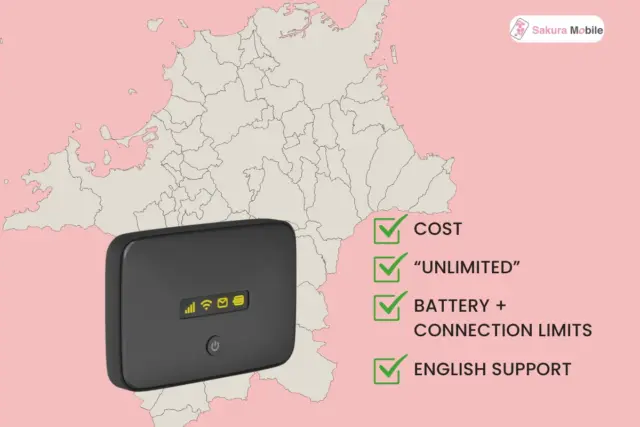
We focused on four key factors:
- Cost, at both 7-day and 14-day length, since that covers most trip lengths
- Whether "unlimited" data actually holds up, or quietly throttles after a daily threshold.
- Battery life and device limits, since these decide how well a unit fits a solo trip vs. a family
- How reachable English support actually is, not just whether it exists on paper
Figures below were pulled directly from each provider's own site as of September 2026.
4 Pocket WiFi Providers at Fukuoka Airport, Compared
| Details | Sakura Mobile | Global WiFi | XCOM (イモトのWiFi) | Telecom Square |
|---|---|---|---|---|
| Price (7 days) | 8,558 yen | 13,860 yen | 4,400 yen (includes flat 550 yen delivery fee) | 9,733 yen |
| Price (14 days) | 11,616 yen | 27,720 yen | 8,250 yen (includes flat 550 yen delivery fee) | 19,466 yen |
| Data | Unlimited (10 GB/day high-speed guaranteed) | 1 GB-10 GB/day (Data varies depending on plan) | Unlimited (FUP cap undisclosed) | 3 GB/day Or unlimited (FUP cap undisclosed) |
| Battery | ~20 hours | ~5-6 hours | ~5-12 hours (varies by device) | ~12 hours |
| Device Connections | Up to 15 (5 recommended for best performance) | Up to 5 | Up to 5 | Up to 5 |
| English Support | 7 days a week via chat, email, and phone; in-person support at the Fukuoka Airport Counter | "24/7" | Unknown | 24/7 |
| Insurance | 110 yen/day | 330 yen/day | 440 yen/day | 330 yen/day |
| Location | International Terminal, 1F (Arrival Lobby) | International Terminal, 1F (Arrival Lobby) | International Terminal, 1F (Arrival Lobby) | International Terminal, 1F (Arrival Lobby) |
| Counter Hours | Every day (7:00 AM-9:00 PM) | Every day (7:00 AM-9:30 PM) | Every day (7:30 AM-9:30 PM) | Every day (7:00 AM-9:00 PM) |
Prices include tax. Counter hours and rates can shift, so confirm both before you book.
Note: Global WiFi and NINJA WiFi are operated by the same company, so if you've seen either name elsewhere, they refer to the same counter.
Why Sakura Mobile?
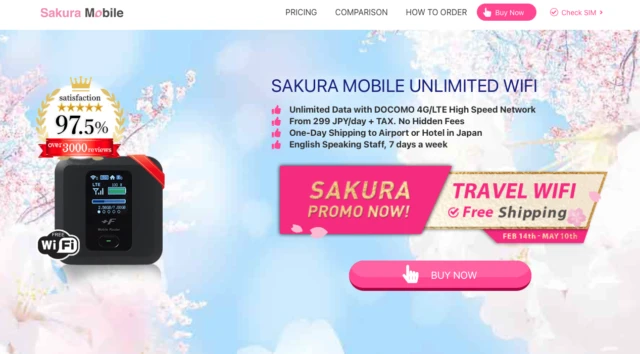
A few things set this one apart from the rest of the list:
- Network: Runs on docomo, which stretches further into rural areas than some competitors—a real advantage for day trips to Dazaifu or Kyushu's countryside.
- Battery: Built to last through a packed sightseeing day without needing a midday charge.
- Support: Reachable by chat, email, or phone, seven days a week.
- Return process: Drop it in a prepaid mailer—no need to track down a counter on your way out.
It's not automatically the cheapest option here, but it holds up the best across the factors that actually shape a real trip.
Pocket WiFi, SIM, or eSIM at Fukuoka Airport
Still deciding between the three? Use this shortcut.
| Your Situation | Better Fit | Why |
|---|---|---|
| Traveling with family or a group | Pocket WiFi | Everyone shares one connection instead of buying separate SIM cards |
| Traveling alone, light data use | SIM or eSIM | Usually costs less, and less to carry |
| Streaming, video calls, or remote work on the go | Pocket WiFi | Look for a plan with a strong guaranteed daily data amount |
| Bringing a laptop or tablet in addition to your phone | Pocket WiFi | One device connects everything you're carrying |
| Your phone is carrier locked | Pocket WiFi | A locked phone can't use a SIM or eSIM at all |
| Your group is splitting up during the day | SIM or eSIM | A shared device doesn't work once everyone scatters |

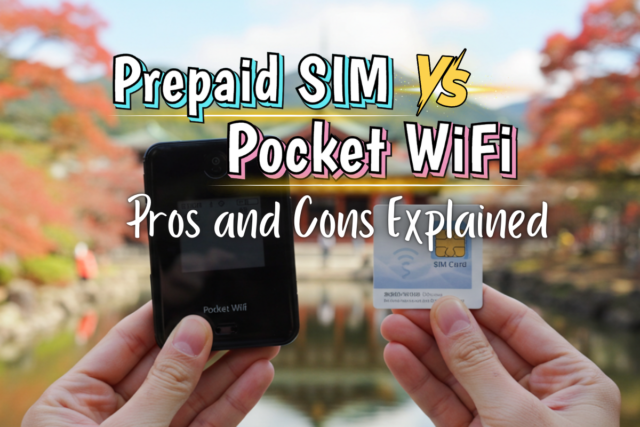
For a deeper look at SIM specifically, see Prepaid SIM vs. Pocket WiFi: Pros & Cons Explained. If you've already decided eSIM is the way to go, our Fukuoka & Kyushu eSIM Guide compares eSIMs for trips to this region.
Pickup & Return at FUK
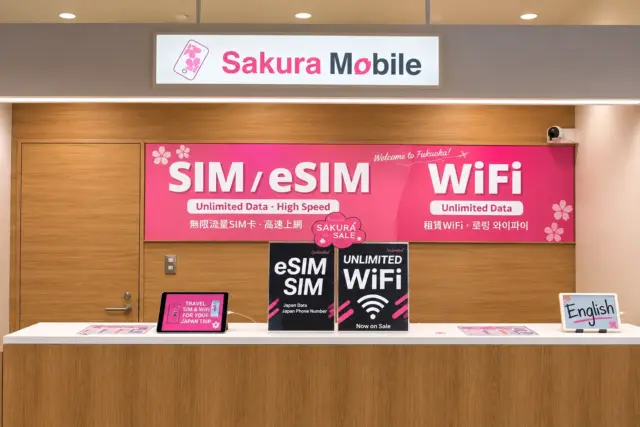
Every provider's counter sits in the international terminal, 1F. Here's what pickup and return actually look like:
- Arriving internationally: Go straight to your provider's counter with your passport and booking confirmation. Staff hand over the device.
- Arriving domestically: Catch the free shuttle to the international terminal first, then head to the counter.
- Returning the device: This differs by provider. Sakura Mobile, for example, offers a prepaid mail-in envelope, so there's no counter visit needed on your way out. Others require a counter or drop-box return. Your confirmation email will spell out the exact steps for whichever provider you book.
Worth keeping in mind:
- Pack a charging cable or backup battery just in case.
- Return the device on schedule to dodge late fees.
- Look into insurance coverage before booking if loss or damage is a concern.
Long-Term Stays
Pocket WiFi rental holds up well even for extended trips, but past the 90-day mark, it usually stops being the most cost-effective option.
If you're staying in Japan longer than that, a long-term SIM plan tends to work out cheaper and covers phone service too, not just data.
Final Word: Fukuoka Airport Pocket WiFi

The best option depends on your travel style and connectivity needs. If you want one option that covers most bases well, Sakura Mobile's network reach, battery life, and support make it a solid default. If cost is the deciding factor, Imoto no WiFi is worth a closer look.
Whatever you choose, booking ahead online is almost always the better move—it tends to cost less and guarantees a device is ready when you land.
FAQ
- Q1. Is Fukuoka Airport WiFi free?
Yes, in both terminal buildings. It won't work once you're outside the airport, which is why most travelers add a Pocket WiFi or SIM card for the rest of the trip.
- Q2. I landed at the domestic terminal—where do I rent Pocket WiFi?
Every rental counter is in the international terminal. The free shuttle bus connects the two.
- Q3. Can I pick up my device late at night or very early?
Hours vary by provider, so check before booking if your flight lands outside typical daytime hours. Sakura Mobile also offers delivery straight to your hotel or accommodation, so you can skip the counter entirely if your flight lands at an odd hour.
- Q4. Does Pocket WiFi work outside Fukuoka City?
That depends on the network behind your device. docomo-based providers generally hold up better in areas like Dazaifu, Yufuin, and rural Kyushu.
- Q5. What happens if I lose or damage the device?
All four providers offer optional insurance to cover this. Sakura Mobile's is the least expensive at 110 yen/day. Global WiFi (also known as NINJA WiFi) and Telecom Square both charge from 330 yen/day, and Imoto no WiFi runs from 440 yen/day. Check exactly what each policy covers at checkout, and contact your provider's support line right away if something happens to your device during your trip.
- Q6. Do I have to return the device in person?
No. Sakura Mobile, for example, allows Pocket WiFi returns either by mail or in person, whichever is more convenient. Every rental includes a return envelope for mail-in returns. However, return options vary by provider, so check the instructions that come with your rental.
FAQ
What our clients have to say
Get Connected Before You Land
Order your Sakura Mobile SIM card, eSIM, or Pocket WiFi online and pick it up at our International Terminal counter—no lines, no contracts.
Related Articles:
- Top 5 Autumn Leaves Spots in Kyushu—The best places to see fall colors near Fukuoka.
- 13 Best Onsen Towns in Kyushu—Where to soak and unwind after your flight.
- Fukuoka Airport (FUK) Arrival Guide 2026: First Steps in Japan
- Best eSIM for Fukuoka, Beppu & Kyushu (2026 Guide)—Find the right eSIM for your trip.