Quick Answer
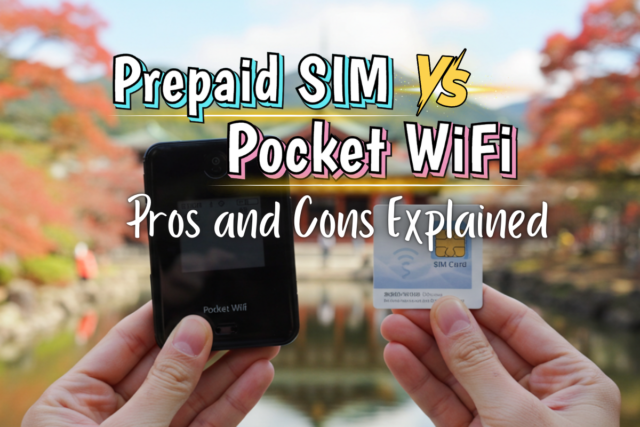
Looking for WiFi in Japan? We recommend renting Pocket WiFi. It's a small, battery-powered router that gives you your own personal WiFi hotspot wherever you go in Japan. Why Pocket WiFi? Because it works with any phone with no setup, keeps your original SIM card in place, and lets everyone in your group connect through one device with unlimited data. Reserve one online before you fly, then pick it up at the airport when you land or have it delivered straight to your hotel. When your trip is over, return it just as easily before you head home.
Reserve your Pocket WiFi now and pick it up the moment you land.
What is Pocket WiFi?
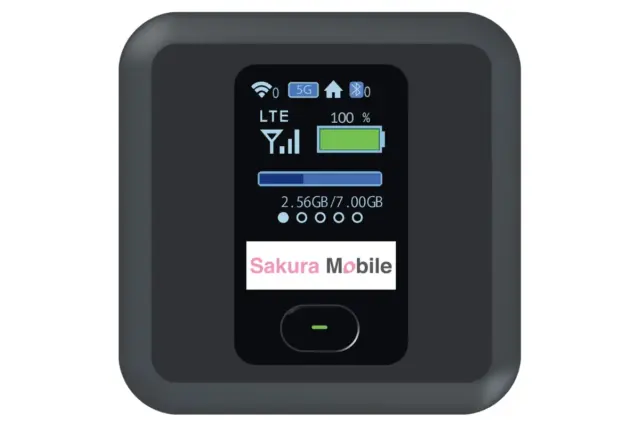
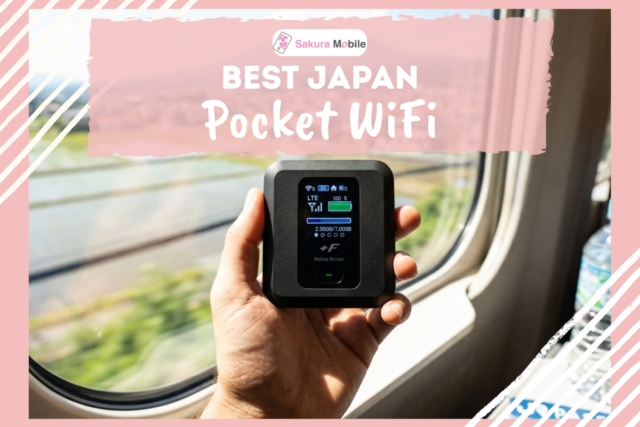
A Pocket WiFi is a small, portable router—about the size of a smartphone—that connects to Japan’s mobile network and creates your own personal WiFi hotspot. Your phone, tablet, laptop, and other devices can connect to it just like they would to WiFi at home.
Pocket WiFi also goes by a few other names, all referring to the same thing:
- Mobile WiFi
- Mobile Router
- MiFi
Pocket WiFi comes with a few practical perks that make it especially useful for travelers:
- Supports multiple people and devices at once, so you can split the rental cost instead of everyone paying for their own data plan.
- No setup required, so it’s ready to use straight out of the box.
- No phone compatibility issues, regardless of what phone you have or which carrier you’re with back home.
- You keep your original SIM card in your phone the whole time, so you don’t lose calls or texts from home.
Pocket WiFi vs eSIM vs SIM Card
eSIM
A digital SIM built into your phone — no physical card to swap. You activate it by installing a digital profile before your trip, and it works as long as your phone supports eSIM.
SIM Card
A physical card that replaces the one already in your phone. It works with most unlocked phones, but your original number won't be reachable while it's in, so calls and texts to your home number will have to wait until you're back.
Pocket WiFi
A separate, pocket-sized router that creates its own WiFi hotspot. Nothing changes on your phone — you just connect to it the same way you'd connect to WiFi at home.
If you're traveling with others and want to share one connection, Pocket WiFi is the recommended option. eSIM and SIM cards can technically share a connection through tethering, but it drains your phone's battery fast and becomes unstable once more than a couple of people connect.
For more details, check out our guides:
- Sakura Mobile Travel eSIM: The Ultimate Guide to Unlimited Data in Japan
- Sakura Mobile SIM Card Guide (2026): Best Physical SIM for Japan Travel
- Sakura Mobile Pocket WiFi Guide (2026): Unlimited WiFi for Japan Travelers
How to Get WiFi in Japan
Renting a Pocket WiFi is an easy way to get online in Japan: reserve it online, pick it up when you land, use it during your trip, then return it before you fly home. Here’s the process in a bit more detail:
- Reserve it online.Book your Pocket WiFi in advance through the provider’s website, choosing your rental length before you travel.
- Pick it up when you arrive.Most providers offer a few pickup options, such as an airport counter, hotel delivery, or a local pickup point.
- Use it throughout your trip.Power it on and connect using the included SSID and password, just like home WiFi. Everyone in your group can join the same device.
- Return it before you fly home.Returns are usually just as simple, often by mail or a quick counter drop-off.
Here's how it works with Sakura Mobile:
- Airport counter: available at Narita, Haneda, Kansai, and Fukuoka.
- Hotel delivery: waiting for you at check-in, in most areas of Japan.
- Home delivery: a good option if you’re staying at a friend’s or family member’s home in Japan.
- Post office pickup: available nationwide.
- Office pickup: at the Sakura Mobile Shinjuku office.
- Returning it: drop the device off at any of these counters, or mail it back using the prepaid return envelope included with your rental.
- For more details on Pocket WiFi rental at each airport, including counter locations, see our guides to Narita, Haneda, Kansai and Fukuoka Airport.
Pocket WiFi rental prices vary by provider. For your reference, below are the prices for Sakura Mobile’s Pocket WiFi rental. All prices include tax, and every plan comes with unlimited data.
| Rental Period | Price |
|---|---|
| 4 days | ¥6,248 |
| 7 days | ¥8,558 |
| 10 days | ¥9,878 |
| 15 days | ¥12,078 |
| 30 days | ¥18,579 |
| 90 days | ¥29,689 |
Keep in mind that the more devices you connect, the more speed can dip for everyone. Sakura Mobile’s Pocket WiFi can technically handle up to 15 devices at once, but from experience, keeping it closer to 5 kept the connection fast for the whole group.
How Pocket WiFi Works in Japan
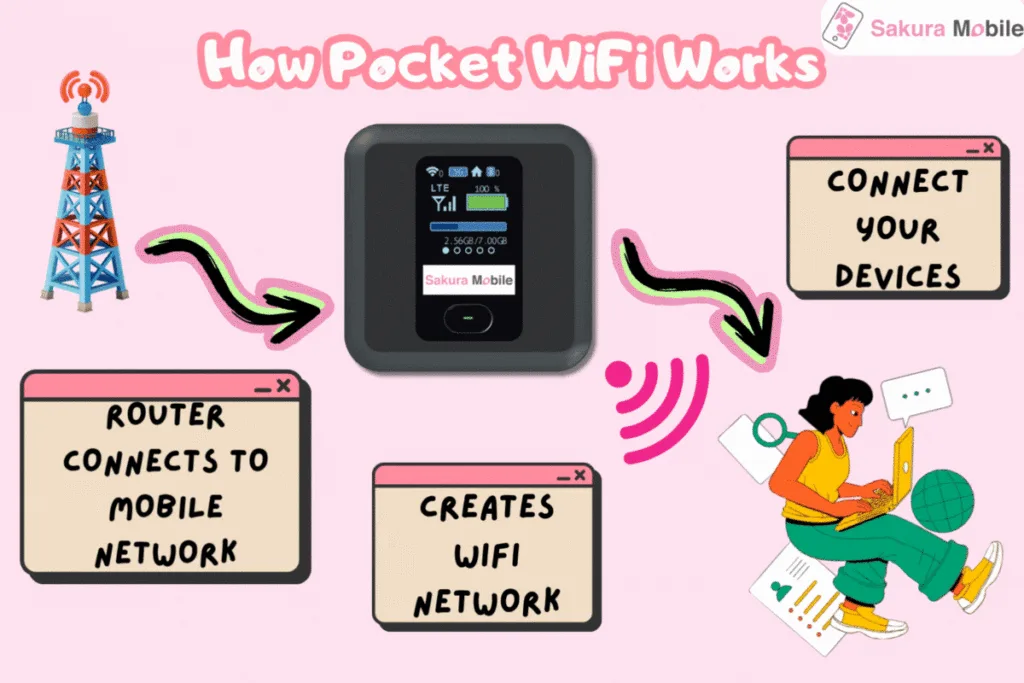
At its core, a Pocket WiFi is a small router with a SIM card inside. It picks up a signal from a local mobile network, the same kind your phone uses, and converts that signal into a private WiFi hotspot. Your phone, laptop, or tablet then connects to it just like they would to any WiFi network at home. Because it rides on a mobile network rather than a fixed cable, its coverage generally follows wherever that carrier’s signal reaches, often far wider than a single café or hotel’s WiFi.
Sakura Mobile’s Pocket WiFi runs on docomo, one of Japan’s largest mobile carriers, known for its strong coverage across the country. Coverage extends across cities, suburbs, along highways, and many rural areas.
Sakura Mobile’s Pocket WiFi plan comes with unlimited data, so you can stay online without watching your usage. If you ever run into trouble, our English-speaking support team is ready to help.
Before You Go: Quick Tips for Your Trip
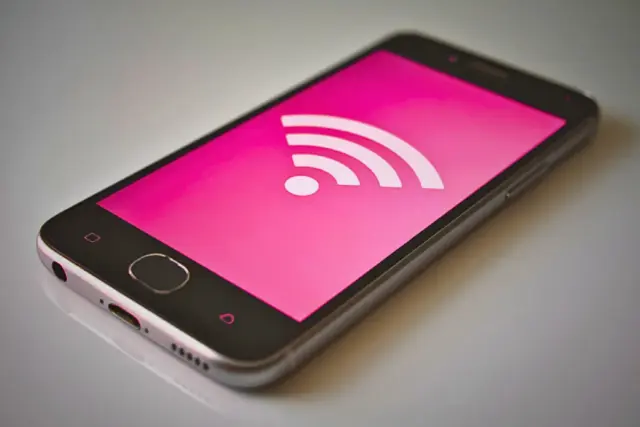
Overall, if you’re wondering how to get WiFi in Japan, a Pocket WiFi is a recommended option for travelers. It’s a small, portable router that connects to Japan’s mobile network and creates a personal WiFi hotspot, allowing you to connect your phone, laptop, tablet, and other devices just like you would at home. Here are a few things to keep in mind when using a Pocket WiFi in Japan:
- 📅Book in Advance:During peak travel season, availability may be limited. Reserve your Pocket WiFi early to secure your device before your trip.
- 🌏 Pick What Fits Your Trip:Rental length, pricing, and device specs vary by provider, so it's worth comparing a few options before you book.
- 🔋Stay Powered Up:For those long sightseeing days, don’t forget to bring a portable charger to keep both your Pocket WiFi and your devices powered up.
Book online in minutes and stay connected for your entire trip.
Frequently Asked Questions
- Do I need Pocket WiFi if I’m traveling with other people or multiple devices?
Pocket WiFi is most useful when you want one connection to cover more than one person or device. If you’re traveling with other people, or carrying more than one device, Pocket WiFi lets everyone share a single connection instead of each device needing its own data plan.
- Where can I pick up my Pocket WiFi in Japan?
Pickup options vary by provider, but most offer a choice of an airport counter, hotel delivery, or a local pickup point. With Sakura Mobile, you can choose an airport counter (Narita, Haneda, Kansai, or Fukuoka), hotel delivery, home delivery, pickup at any post office nationwide, or the Shinjuku office.
- What happens if my Pocket WiFi runs out of battery or stops working during my trip?
Sakura Mobile's Pocket WiFi lasts about 20 hours per charge—long enough for most full sightseeing days. If anything goes wrong, our English-speaking support team is available to help you troubleshoot on the spot. (Battery life does vary by provider, so it's worth checking specs if you rent elsewhere.)
- How many devices can I connect to one Pocket WiFi router?
The number of devices a Pocket WiFi can support depends on the model, so it’s worth checking before you rent. Sakura Mobile’s devices support up to 15 devices at once, though we recommend keeping it closer to 5 if you want to keep speeds fast for everyone connected.
- Do I need to return the Pocket WiFi device before leaving Japan?
Yes, in most cases. Providers typically require the device back before you leave, either by mail or at a counter. Sakura Mobile works the same way. You can mail it back using the prepaid return envelope provided, or return it at one of our counters, whichever is easier.
FAQ
Reserve your Pocket WiFi online and choose a rental period that fits your trip. Booking takes just a few minutes, so you can get connected as soon as you arrive in Japan.